🗓️ March 10th, 2026
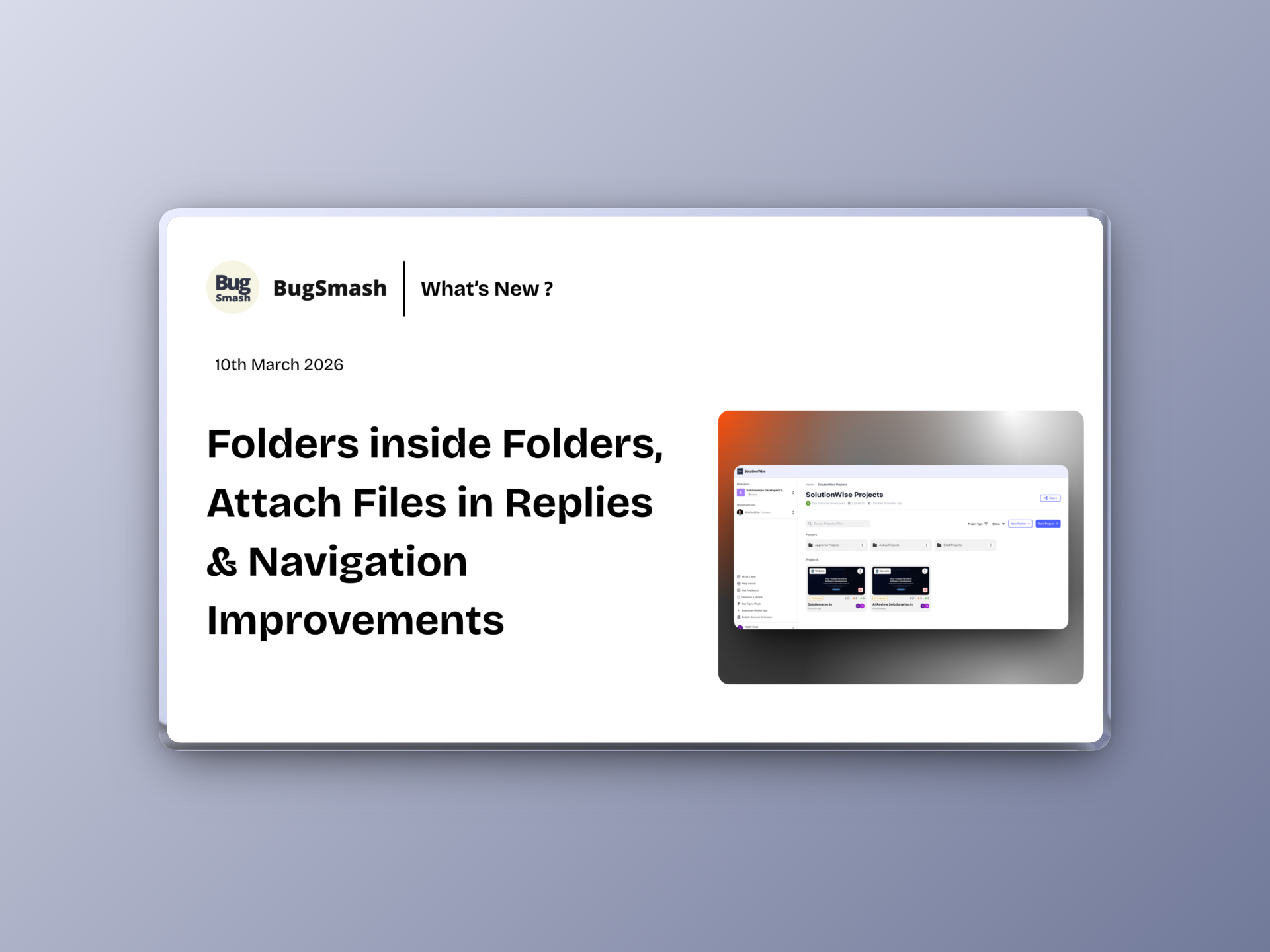
🚀 Folders inside Folders, Attachment Files in Replies & Navigation Improvements
This update introduces a powerful way to organize projects with nested folders, improves how comments and versions are reviewed, and fixes several navigation and integration issues. We’ve also made backend improvements to AI reviews and system reliability.
🆕 Folders inside Folders 🔥🔥
You can now create folders inside other folders.
This makes workspace organization much more powerful:
✅ Structure projects with multi-level folders
✅ Organize work by client, projects, teams, collaborator access, etc!
✅ Manage large workspaces more easily
A cleaner hierarchy for growing teams.
📎 NEW: Attaching files while replying to comments
Replies to comments can now include attachments.
This allows reviewers to:
✅ Add supporting files directly in replies
✅ Share references or screenshots in discussions
✅ Keep all context within the same feedback thread
🔄 NEW: Toggle Comment Markers in Version Comparison
Version comparison for PDFs and Image projects now includes marker controls.
You can now:
✅ Toggle comment markers on or off while comparing versions
✅ View comments overlayed on top of the versions to quickly compare what was addressed and what was missed - quickly! No need to go through previous versions and comments manually.
This makes visual comparisons much easier to review. 1 more step closer to frictionless feedback
📱 NEW: Responsive View Indicator in Comments
Comments now show which responsive view they were created in.
This helps teams quickly understand context:
✅ Identify Desktop / Mobile / Tablet feedback
✅ Avoid confusion when reviewing responsive issues
✅ Improve clarity during design reviews
🔗 NEW: Page URL / Name in Comment Details
Comment details now include page information.
You can now see:
✅ The page URL where the comment was created
✅ The page name for better context
✅ Clear reference for website feedback
📨 NEW: Resend Invite for Members
Workspace admins can now resend member invitations.
This allows you to:
✅ Quickly resend pending invites
✅ Avoid creating duplicate invitations
✅ Onboard teammates faster
📄 NEW: Project Name on Details Page
Project details now clearly display the project name.
This provides:
✅ Better context while reviewing details
✅ Clearer navigation across projects
✅ Improved usability on project pages
🤖 Improvement: Updated AI Review Model
AI Reviews now run on Gemini 3.1 Pro Preview.
This brings:
✅ Improved feedback analysis
✅ Better issue detection
✅ More accurate review insights
👤 Improvement: Remember Guest Name
Guest users now have their name saved during the session.
This means:
✅ Returning guests don’t need to re-enter their name
✅ Faster commenting experience
✅ Less friction for external reviewers
🔐 Improvement: Expanded IP Whitelist for Access Issues
New IPs have been added to the whitelist to help users facing network blocks from Cloudflare or other providers.
Added IPs:
178.156.178.124
5.161.29.18
🛠️ Fix: Responsive Mode Navigation Issue
We fixed an issue where switching to responsive view on a subpage redirected users back to the homepage.
Now:
✅ Responsive mode keeps you on the current page
🛠️ Fix: Improved Back Navigation
The Home button has been replaced with a Back button.
This ensures:
✅ Users always return to the parent page
✅ Clearer navigation flow
✅ Less confusion during project browsing
🛠️ Fix: Comment Navigation (Prev / Next)
Resolved an issue affecting comment navigation.
Now:
✅ Prev / Next buttons work correctly after taking action on feedback
✅ Smooth navigation between comments
🛠️ Fix: Automated Screenshots in Integrations
Fixed an issue where automated screenshots were not being sent in integrations and webhooks.
Now:
✅ Screenshots are correctly included in integrations
✅ Webhooks receive the expected data