🗓️ April 10th, 2026
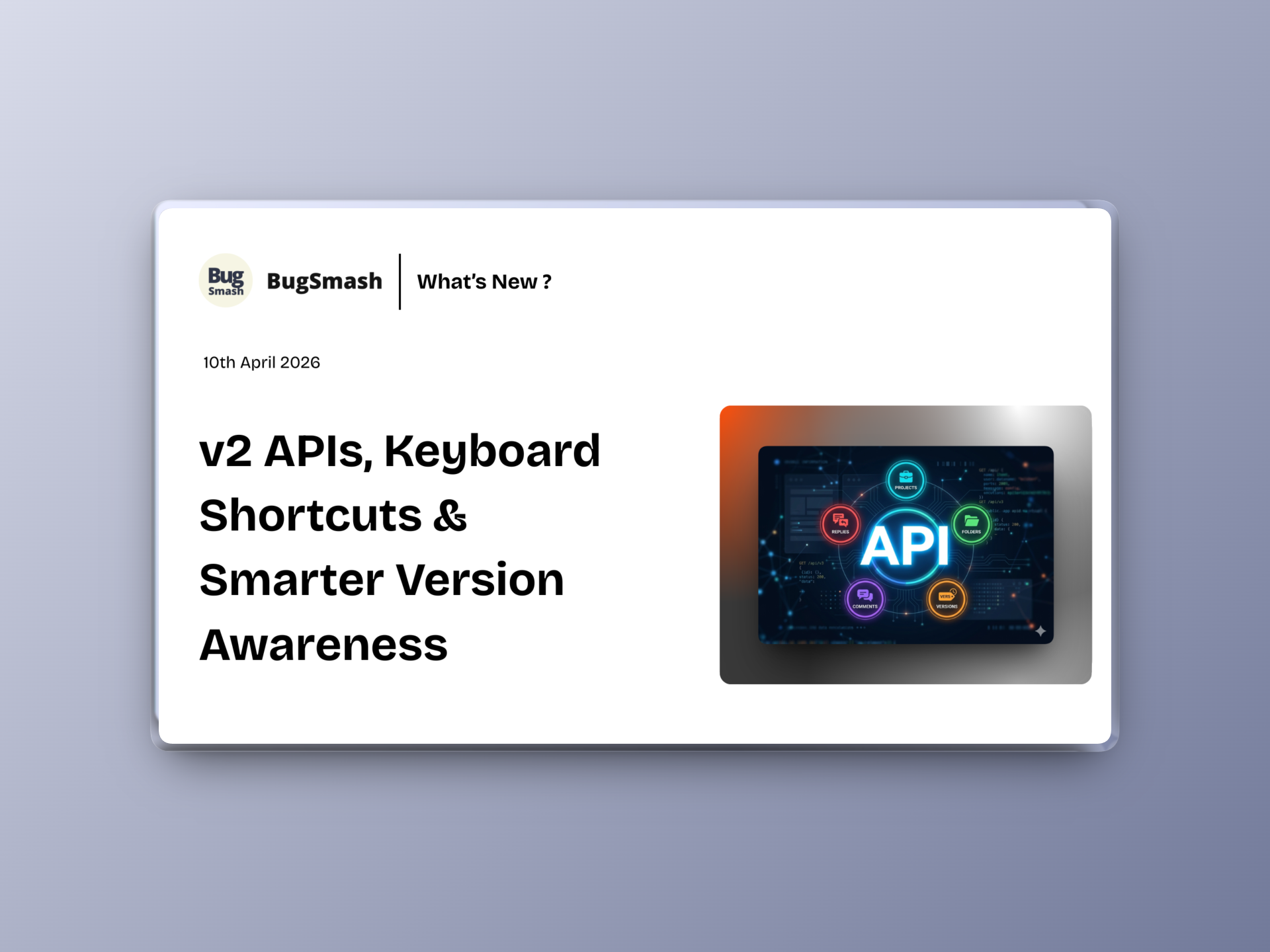
🚀 v2 APIs, Keyboard Shortcuts & Smarter Version Awareness
This update introduces a powerful v2 API with endpoints to manage Folders, Projects, Versions, Comments and Replies! New keyboard shortcuts for faster actions, improved version awareness while reviewing projects, enhanced collaborator permissions & more.
🆕 NEW: v2 APIs
We’ve launched BugSmash API v2 — a more structured and scalable API layer for integrations and automation.
✅ Folders APIs:
Manage folder structure programmatically
Get All Folders
Get Folder Details
Create Folder
Update Folder
Delete Folder
✅ Projects APIs:
Work with projects and generate review links
Generate Review Link (Create Project)
Get All Projects
Get Project Details
Update Project Settings
Delete Project
✅ Versions APIs:
Handle versioning workflows
Create New Version
Get All Versions
Get Version Details
Delete Version
✅ Comments APIs:
Manage feedback and discussions
Get All Comments
Get Comment Details
Update Comment
Delete Comment
Get All Replies on a Comment
Post Reply to a Comment
Delete Reply
Build deeper integrations with BugSmash — from project creation to feedback management.
⌨️ NEW: Keyboard Shortcuts (Hotkeys)
Work faster with new keyboard shortcuts across the app.

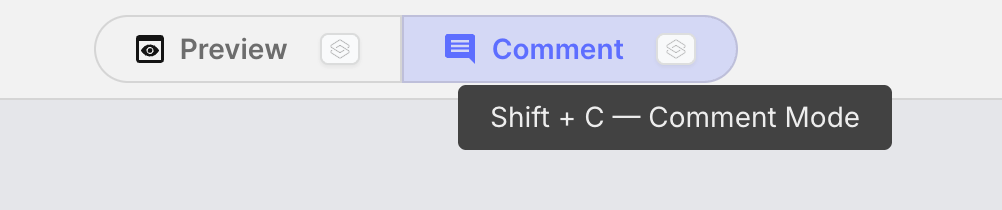
You can now:
✅ Toggle between Browse (Shift + V) and Comment mode (Shift + C)
✅ Use Cmd/Ctrl + Enter to instantly post a comment
Faster actions, less clicking.
📄 Improvement: File Name Visibility on Project Page
File names are now easier to identify within projects.
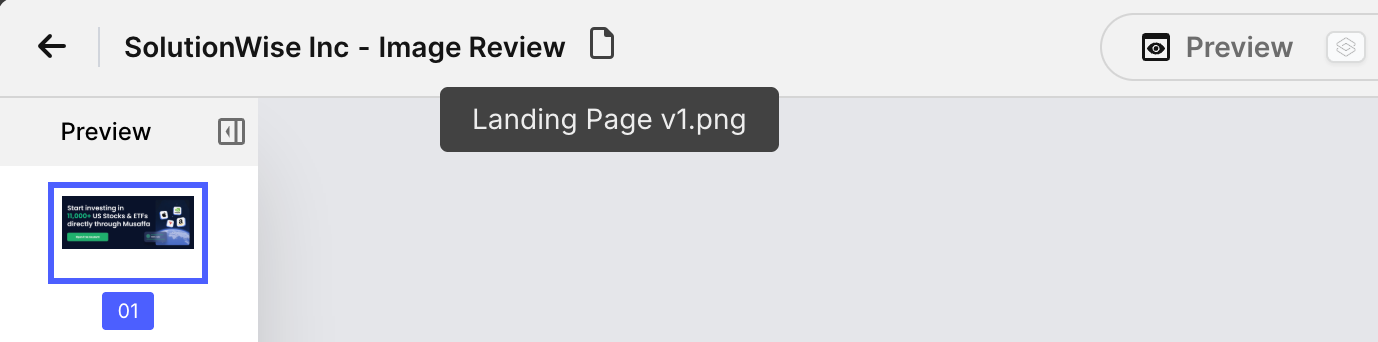
What’s improved:
✅ File name shown as a tooltip under the file icon
✅ Better clarity when working with multiple files
✅ Cleaner UI without adding clutter
🆕 Improvement: Version Awareness While Viewing Older Versions
Users now get clear indicators when viewing outdated versions.
Now:
✅ Older versions show an outlined highlight
✅ Tooltip “New Version Available” is always visible (no hover needed)
✅ Easier to switch back to the latest version
👤 Improvement: Expanded Permissions for Collaborators
Collaborators now get more control over the projects they create.
This means:
✅ Access to project settings
✅ Ability to view and update configurations
✅ More ownership without needing elevated roles
🛠️ Fix: Screenshot Missing in Webhooks
We fixed an issue where screenshots were not being sent in webhooks.
Now:
✅ Screenshots are correctly included in webhook payloads
✅ More reliable integrations and automation