Workspace Branding and Subdomain
Written By Team BugSmash
Last updated About 9 hours ago
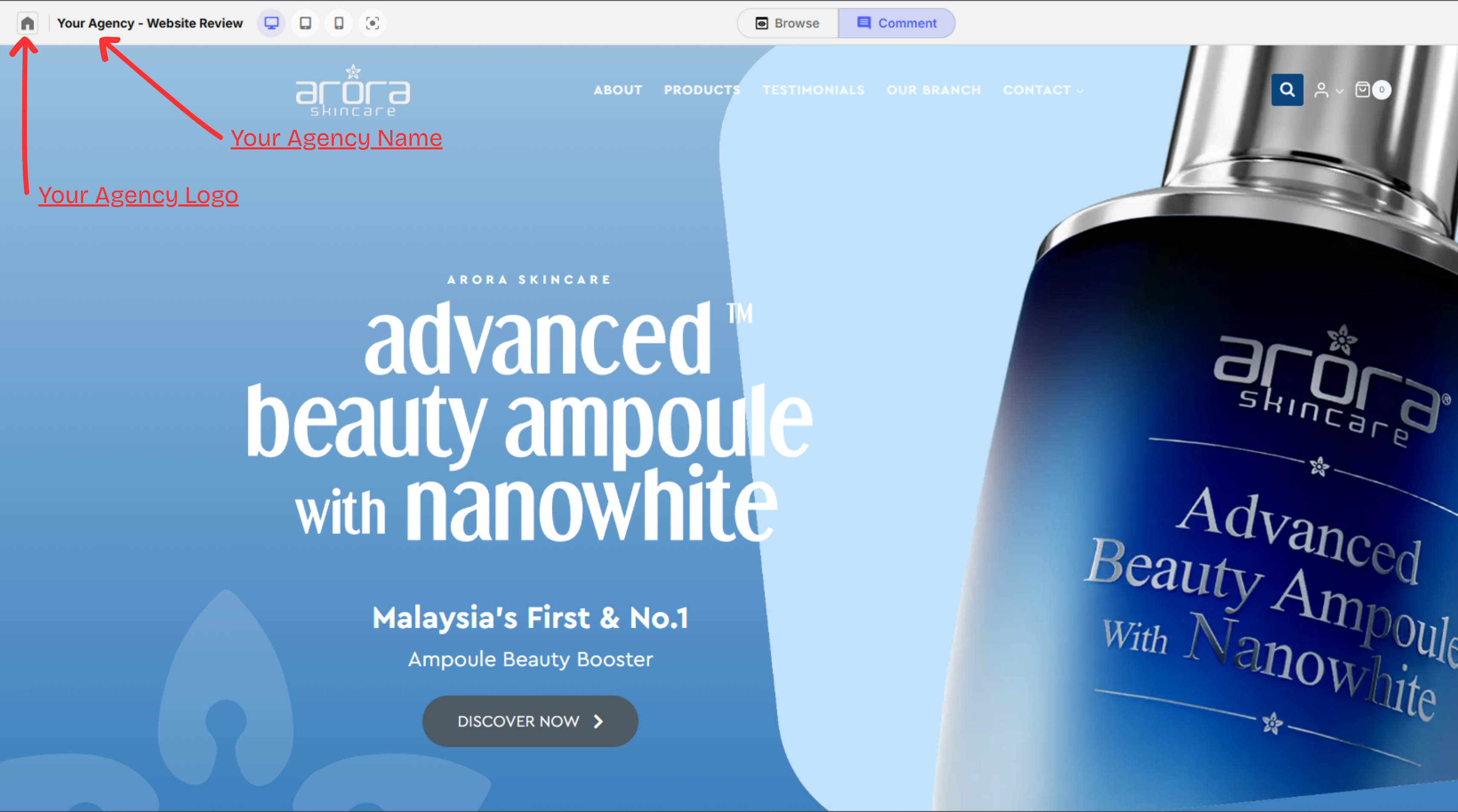
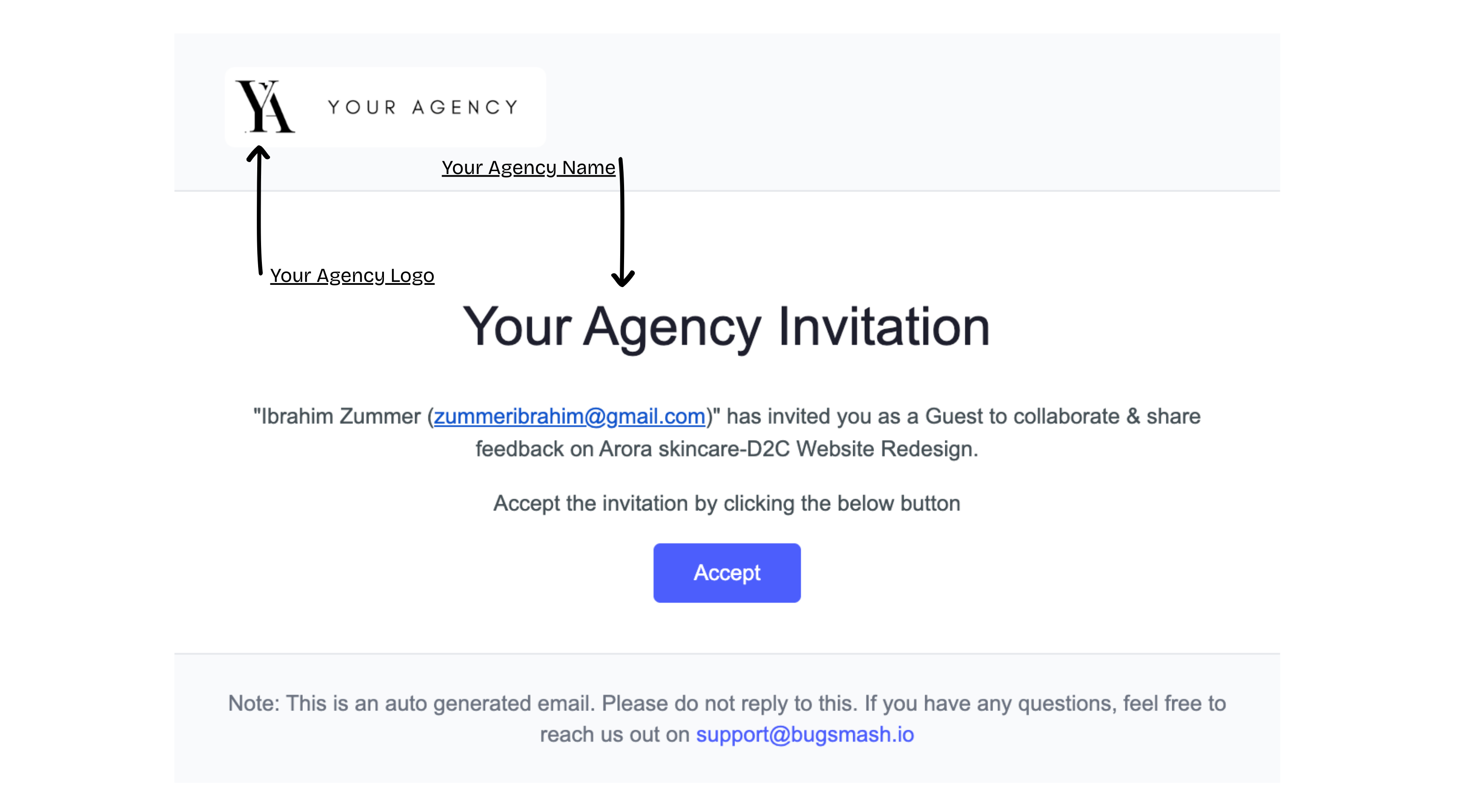
Why it’s useful —
Workspace branding makes your review experience look professional and trustworthy for your clients. They see your agency name, logo, and custom subdomain when opening shared links or email updates — reinforcing your brand identity and building confidence during approvals.
You can also customise your workspace theme color, which is applied across the review experience, including buttons, popups, and other UI elements.
How to enable it —
Go to Home → Workspace Settings → Workspace Overview.
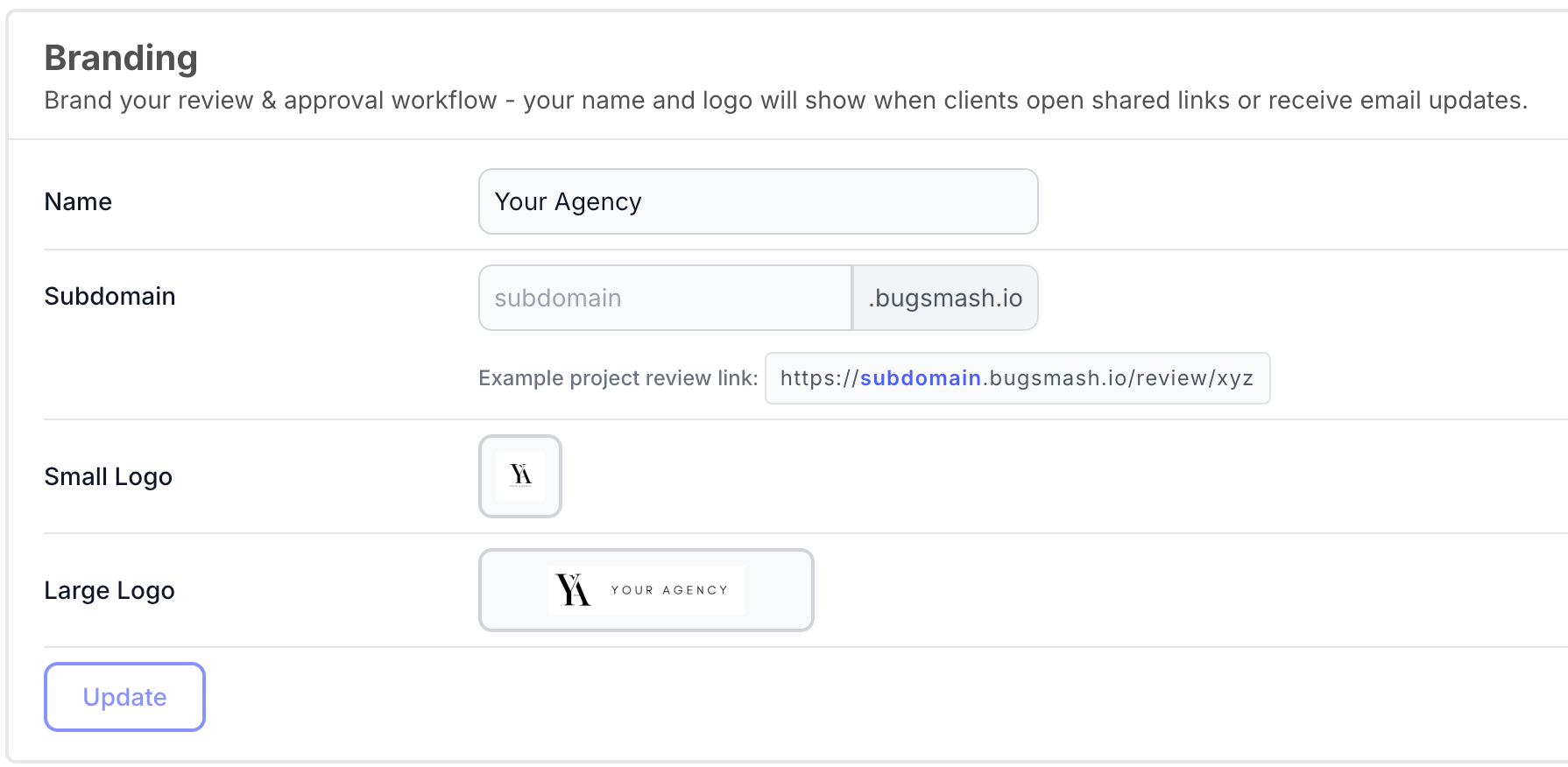
Open the Branding section.
Add your Workspace Name (shown on links and emails).
Set a custom subdomain for branded review links.
Upload a Small Logo (used in compact views).
Upload a Large Logo (used on review pages and emails).
Choose a custom theme color for your workspace.
Click Update to apply changes.
Example —
> A client receives a review email with your logo and opens a link like
https://youragency.bugsmash.io/review/abc — everything looks fully branded and professional, not generic.
Tips —
Use a square, high-contrast logo for the small logo so it stays sharp at tiny sizes.
Keep the large logo wider for better header placement on review pages.
Choose a short, clean subdomain — it’s easier to remember and looks more premium.
Branding applies across shared links and email notifications, so test once after updating.
Choose a theme color that matches your brand. It will be reflected in buttons, popups, and other elements across the workspace.
Note —
Domain branding currently includes only subdomain-level changes. It does not include CNAME-level complete custom domains.
Once a custom subdomain is set, you cannot change it manually from your workspace settings. If you entered the wrong subdomain or need to change it later, please reach out to our support team.
Was this helpful?
Still need help? Ask the team